BOX SERVICE ACCOUNT CREATION TO CONNECT CRMSALESFORCE WITH BOX
Répondu
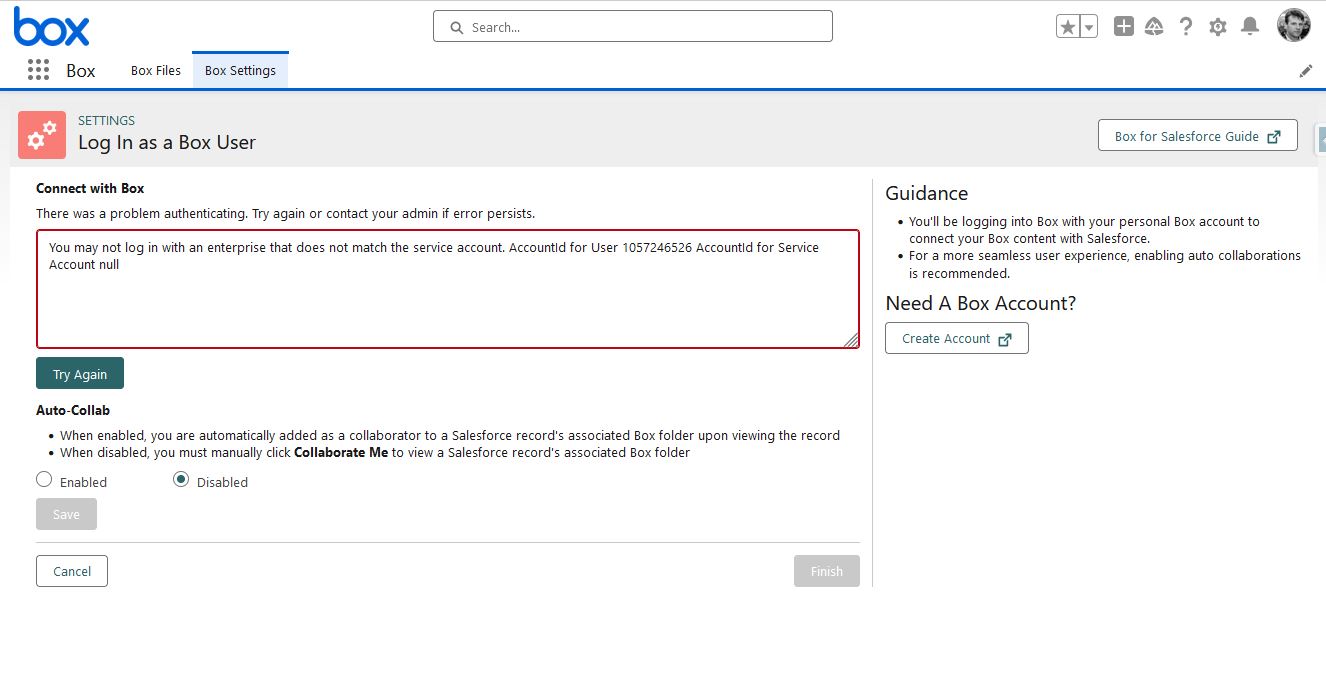
Hi. I am trying to connect my CRM SALESFORCE with BOX, but I have to create a SERVICE ACCOUNT to do it.
(I attach an image with the error).
I am trying, but I don't know how to follow the steps, could you help me?
Thank you,
MIguel.
-

Hi Miguel,
Welcome to Box Community and glad to assist!
Sign in to Box Service Account
First, connect and sign in to your Box Service Account.
Note: If you don't have a Box service account, the Box Admin should create one as a managed user, for example boxforsalesforce@example.com.Your Box service account should serve as an account used exclusively for managing the Box for Salesforce integration; it shouldn't be assigned to an individual user. This account:
- "owns" the Salesforce content on Box,
- makes API calls from Salesforce to Box for the entire enterprise,
- and must have Box Admin or Co-admin level permissions, with Admin permissions to:
- Manage users & groups
- View/Edit users' content and Log in to users' accounts
- (as needed) Edit Sign permissions/settings for your company
- Box recommends this account have unlimited storage, as this represents the integration's storage allotment.\
To get started with Box for Salesforce, please see this helpful article.
Thanks for posting!
-
Hi.
How can I create the BOX SERVICE ACCOUNT?
My user is the ADMINISTRATOR of my BOX environment, but I don't know how to do it.
Can we organize a Teams to be able to have remote assistance so we can create it between the two of us?
Thank you, Miguel.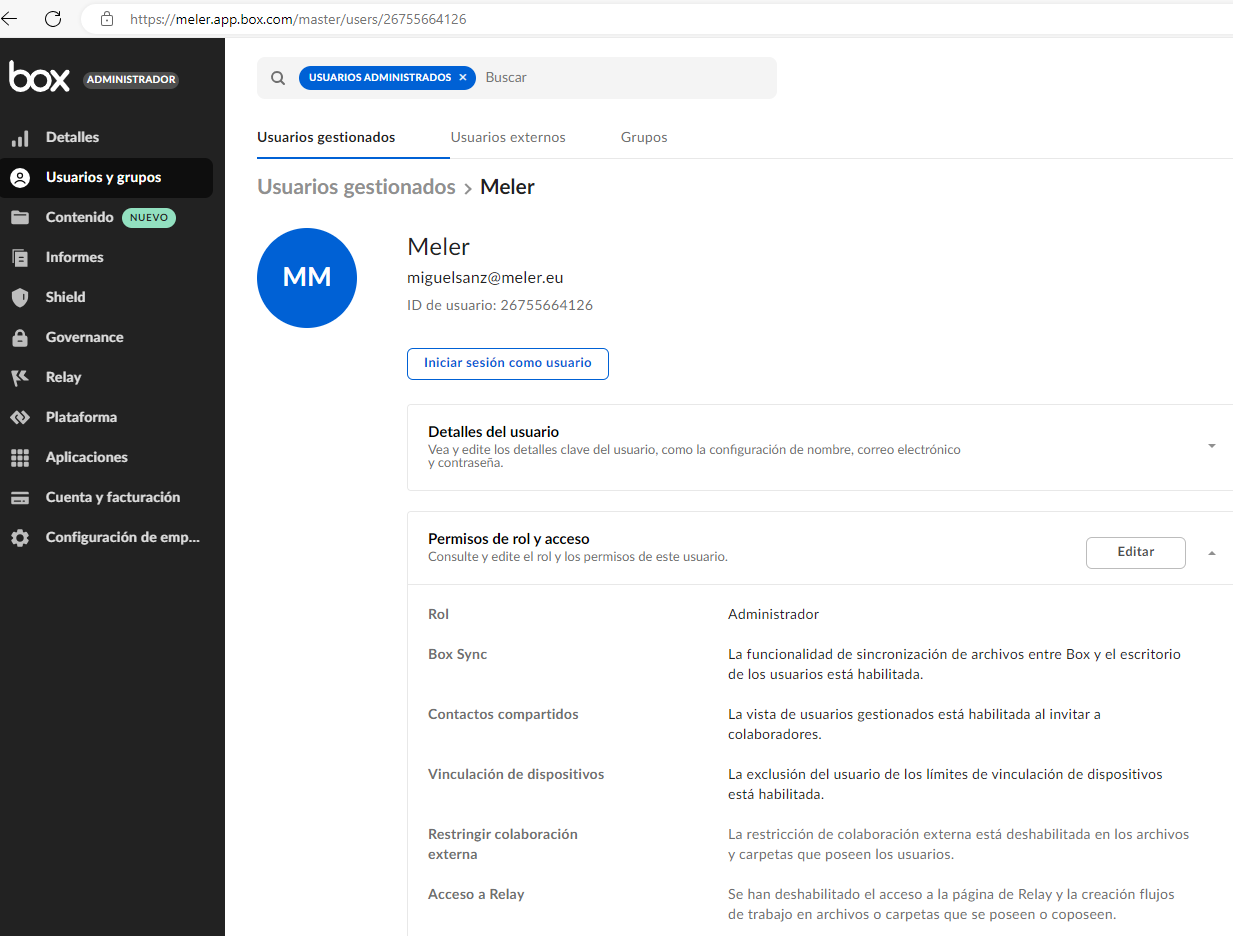
Vous devez vous connecter pour laisser un commentaire.
Commentaires
2 commentaires